
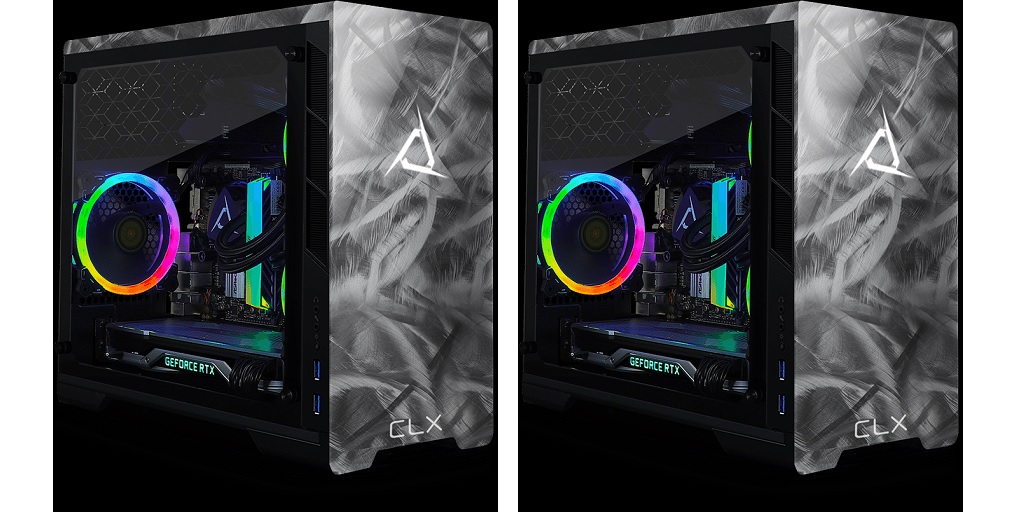
For gamers, there’s absolutely nothing more frustrating than their PC stuttering or lagging at the worst possible moment – like right in the middle of a heated match. Your gaming PC is more than just a machine; it’s the engine powering your victories. Just like any tool, therefore, it needs to be optimized and maintained to perform at its best.
The good news is that achieving peak performance doesn’t require computer wizardry or even an endless fountain of technical know-how. Here are a few simple yet effective ways to get your gaming PC performing at its absolute best:
Start with a Clean Slate
It’s tempting to go straight to the more advanced tweaks, but you do yourself – and your gaming PC – a favor by starting with the basics. Over time, junk files, unused apps, and even malware can weigh down your system. To make sure that your system is running clean as a whistle, start by uninstalling software that you don’t need. That random program that you downloaded almost half a year ago? It’s not doing you any favors!
After removing unnecessary applications, run a trusted antivirus or anti-malware scan. This will ensure that nothing sneaky is hogging your resources in the background. It’s also a good idea to clear out unneeded files using tools like Disk Cleanup or third-party software like CCleaner. Finally, check your startup programs and disable anything that doesn’t need to launch when you turn your PC on.
Update Everything – Seriously, Everything
Outdated software is like a weak link in a chain. If your drivers, operating system, or even your games aren’t up-to-date, you’re likely missing out on performance improvements.
Start by checking if your GPU drivers are up to date, as they’re absolutely critical for gaming performance. Brands like NVIDIA and AMD regularly release updates that optimize new games and improve stability.
While you’re at it, check if your operating system needs attention, too. Windows updates might feel like a nuisance, but they’re essential for keeping your PC secure and running efficiently.
Lastly, check your games for any updates or patches. Developers often release optimizations after launch to fix bugs or enhance performance.
Dial In Your Graphics Settings
Everyone wants stunning visuals when they play games, but cranking everything to ultra settings isn’t always practical, especially if your hardware can’t keep up.
Dive into your game’s settings and experiment. Lowering demanding features like shadows, anti-aliasing, and ambient occlusion can dramatically improve performance without making the game look like a pixelated mess. Resolution scaling is another trick – if you’re gaming at 4K but struggling with frame rates, try 1440p or even 1080p. It’s all about finding that sweet spot between visuals and performance.
For those who want to take things further, look into technologies like NVIDIA DLSS or AMD FSR. These tools use AI to boost performance while maintaining high-quality visuals.
Keep It Cool (Literally)
Your gaming PC is a powerhouse, but all that processing power generates heat, which can throttle performance if you’re not careful. That’s why good cooling is non-negotiable. Check that your fans and vents are dust-free; a quick blast of compressed air can work wonders.
If your PC is running hotter than it should, consider upgrading your cooling system. A good aftermarket CPU cooler or even liquid cooling can make a huge difference. Make sure your PC gets good airflow, too – it should be kept in a well-ventilated area, not crammed into a tiny corner of your desk.
Custom Gaming PCs for Sale on CLX
These tips are brought to you by CLX, a system integrator that specializes in custom gaming PCs for sale. Their Ultimate Configurator allows you to virtually build a fully personalized gaming rig from the ground up! Visit the CLX website today for more information.
